
Beats
Tools
About this app
Name
Beats
Category
Tools
Price
Free
Safety
100% Safe
Developer
Apple
Download
10M+
Screenshots



Application Overview
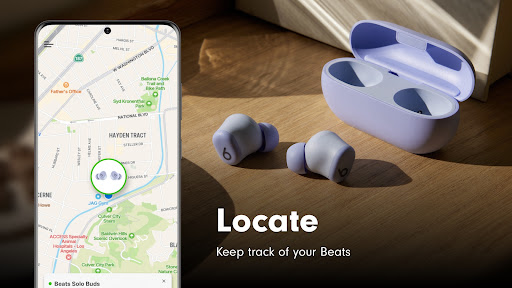
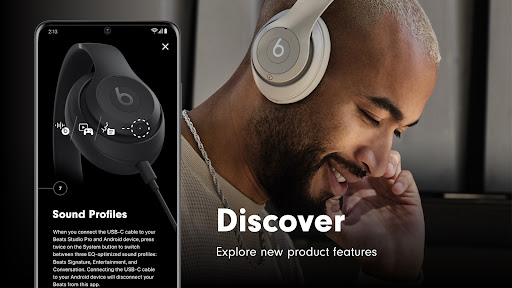
Beats allows you to manage and personalize your audio devices effortlessly. Whether you're using Beats Studio Buds, Powerbeats Pro, or Beats Solo Pro, the app ensures your devices are always optimized for performance. It provides an intuitive interface that makes it easy to monitor battery levels, adjust settings, and explore advanced features.
Key Features
- Noise Cancellation and Transparency Modes: Control Active Noise Cancellation (ANC) and Transparency modes on compatible devices to tailor your listening experience.
- Battery Monitoring: Check the battery status of your connected Beats devices in real-time.
- Customizable Controls: Adjust touch or button controls, such as changing what happens when you press and hold on your earbuds.
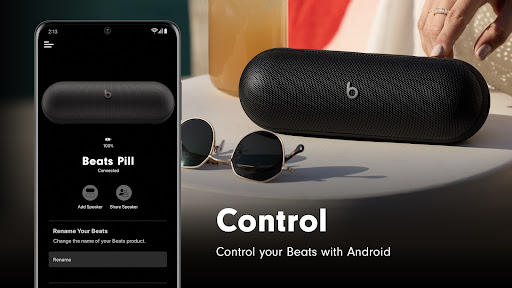
- Pill+ Speaker Enhancements: Create stereo pairs or boost sound by connecting two Pill+ speakers. You can also mute audio prompts and control calls directly from the app.
- Device Personalization: Rename your devices for easy identification and customize settings like auto play/pause and call handling.
Pros and Cons
Advantages
- User-friendly interface suitable for both beginners and tech-savvy individuals.
- Comprehensive feature set that maximizes the potential of Beats hardware.
- Real-time monitoring of battery life helps prevent unexpected shutdowns.
- Supports advanced functionalities like stereo pairing and custom control mapping.
Limitations
- Limited to Beats-branded devices, which may restrict its appeal to owners of other audio brands.
- Some features are only available for specific models, potentially leaving older devices behind.
In conclusion, Beats is an essential tool for anyone looking to get the most out of their Beats products. With its robust feature set and ease of use, it bridges the gap between hardware and software, ensuring an immersive audio experience tailored to your preferences.


