
Move to iOS
About this app
Screenshots

Application Overview
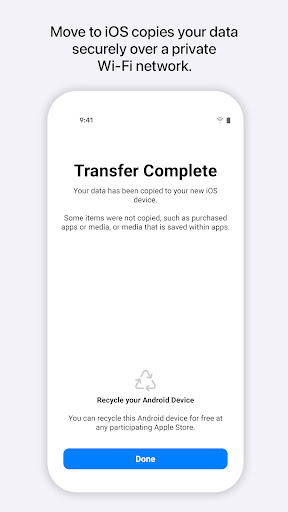
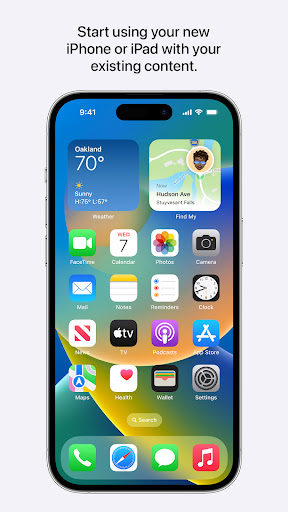
Move to iOS is available on the Google Play Store and is specifically tailored for Android users who are planning to switch to Apple devices. The app is compatible with Android 4.0 and later versions, making it accessible to a wide range of users. By leveraging wireless connectivity, Move to iOS creates a secure connection between the two devices, enabling effortless data migration.
Key Features
The app allows users to transfer essential data such as contacts, message history, photos, videos, web bookmarks, email accounts, and calendars. Additionally, it detects free apps installed on the Android device and recommends their iOS equivalents for download on the new device. This ensures continuity in app usage without requiring users to manually search for replacements. The entire process is intuitive, guided by on-screen instructions, and secured with a unique code to prevent unauthorized access.
Advantages and Disadvantages
One of the standout advantages of Move to iOS is its simplicity and reliability. It eliminates the need for third-party tools and ensures that personal data remains secure during the transfer. Moreover, the app is free to use, adding to its appeal. However, there are some limitations. For instance, it does not support the migration of app data or game progress due to platform restrictions. Users must reinstall apps from the App Store and manually configure certain settings after the transfer. Additionally, the app only works during the initial setup of a new iOS device, which may be inconvenient for some users.
Conclusion
Move to iOS is an indispensable tool for anyone transitioning from Android to iPhone or iPad. Its ability to streamline data migration while maintaining security makes it a top choice for new Apple users. Despite minor limitations, its ease of use and efficiency ensure a hassle-free switching experience. If you're considering upgrading to an Apple device, Move to iOS is your go-to solution for a smooth transition.


