
YouTube Kids
Entertainment
About this app
Name
YouTube Kids
Category
Entertainment
Price
Free
Safety
100% Safe
Developer
Google LLC
Download
500M+
Screenshots


App Overview
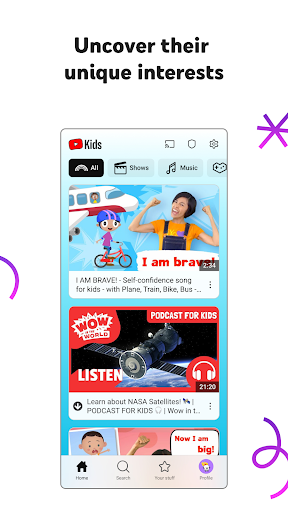
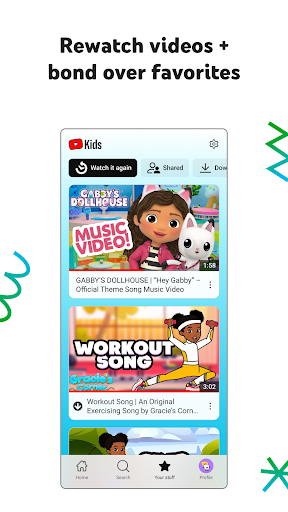
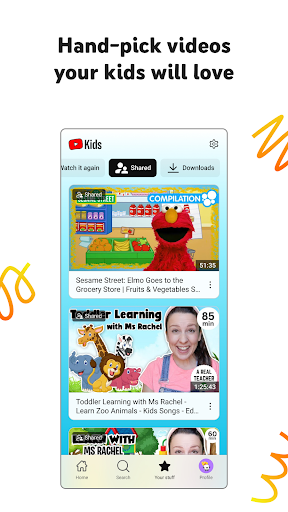
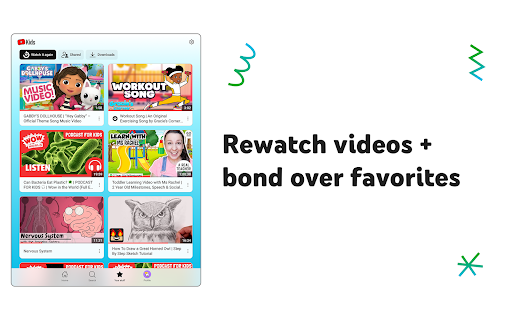
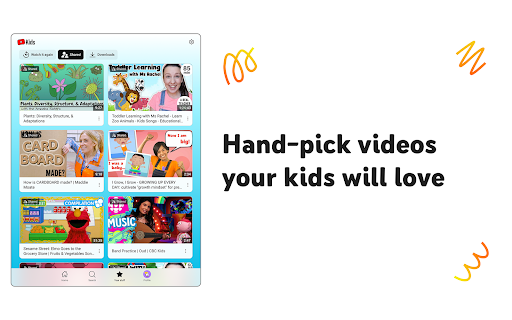
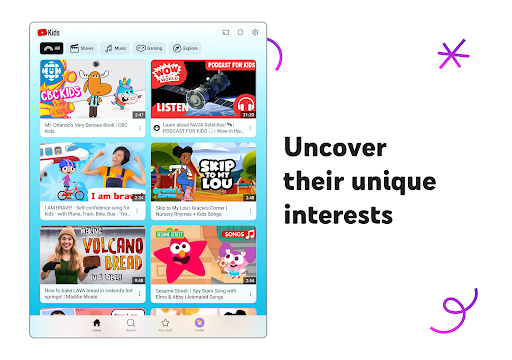
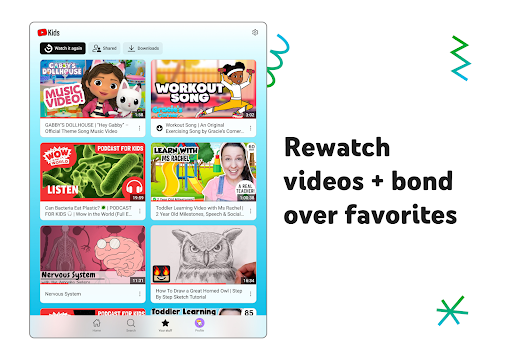
YouTube Kids focuses on delivering age-appropriate content across various categories such as shows, music, learning, and exploration. The app features a vibrant, easy-to-navigate interface that appeals to children, with large buttons and intuitive controls. It supports multiple profiles, allowing parents to customize settings for up to eight children, ensuring each child has a personalized experience.
Key Features
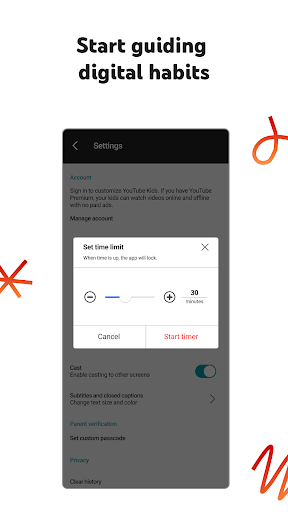
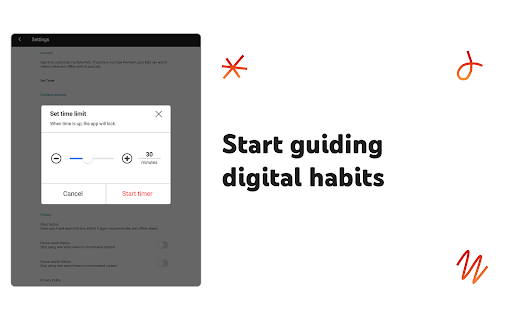
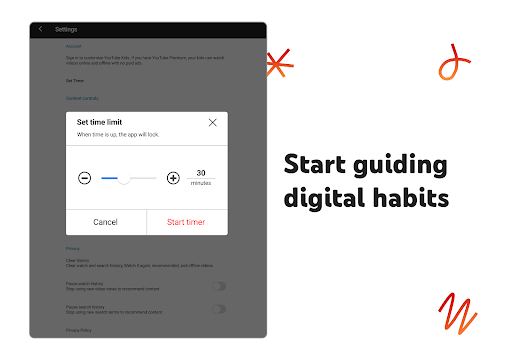
- Parental Controls: Parents can set screen time limits, disable search functionality, and block specific videos or channels. A timer feature helps manage how long children can use the app.
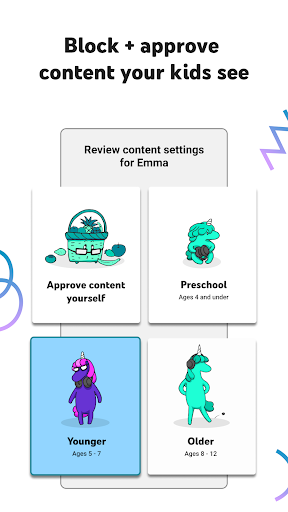
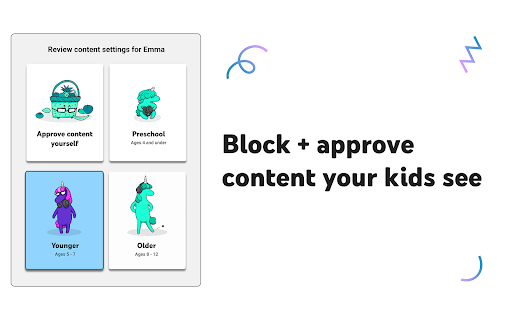
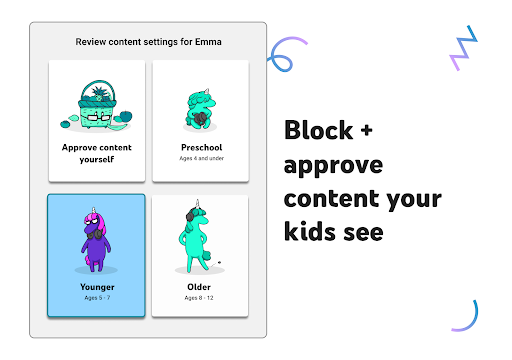
- Content Modes: The app offers four modes: "Approved Content Only," "Preschool" (ages 4 and under), "Younger" (ages 5-7), and "Older" (ages 8+). These modes allow parents to tailor content based on their child's age and interests.
- Reporting Tools: Users can flag inappropriate content for review, ensuring continuous improvement in content safety.
Pros and Cons
Advantages
- Provides a vast library of kid-friendly videos, including educational and entertaining content.
- Customizable settings empower parents to create a secure viewing environment.
- Free to download and use, making it accessible to a wide audience.
Drawbacks
- Some inappropriate content may occasionally slip through automated filters.
- The app includes ads, which might not align with every family's preferences.
- Limited offline functionality compared to the main YouTube app.
YouTube Kids is an excellent tool for parents seeking a controlled digital space for their children. With its robust features and focus on safety, it stands out as a leading choice for families looking to balance entertainment and education.


