
Microsoft Teams
Business
About this app
Name
Microsoft Teams
Category
Business
Price
Free
Safety
100% Safe
Developer
Microsoft Corporation
Download
500M+
Screenshots










Application Overview
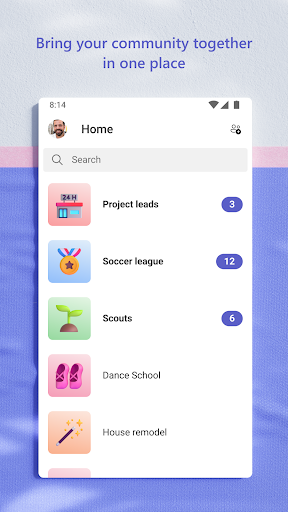
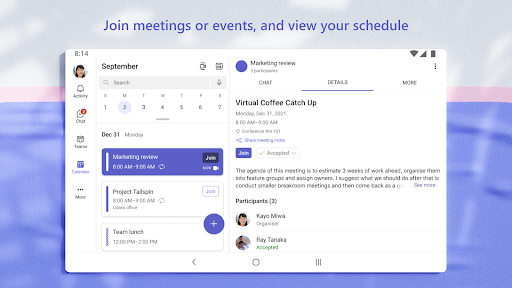
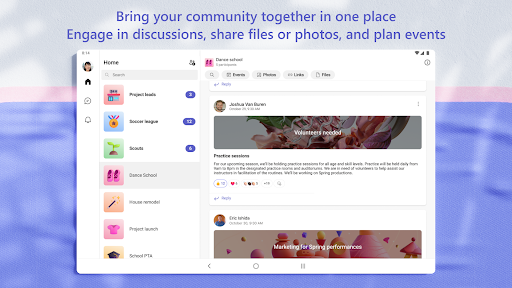
Microsoft Teams serves as the ultimate workspace for teams to stay connected and productive. Available on Android, iOS, and desktop platforms, it integrates seamlessly with Microsoft 365 applications like Word, Excel, and PowerPoint. Whether you're working remotely or in an office, Teams ensures smooth collaboration across distances.
Key Features
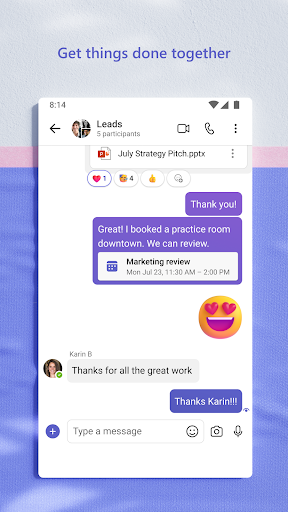
- Chat and Messaging: Engage in private or group chats with rich text, emojis, GIFs, and file sharing capabilities.
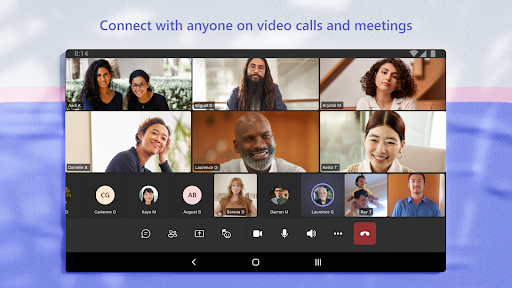
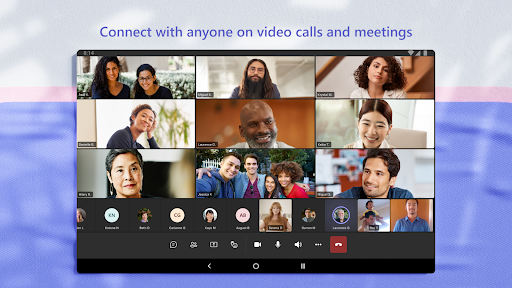
- Video and Audio Calls: Host high-quality video meetings with features like screen sharing, virtual backgrounds, and meeting recordings.
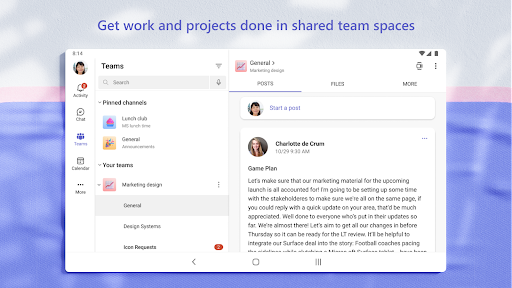
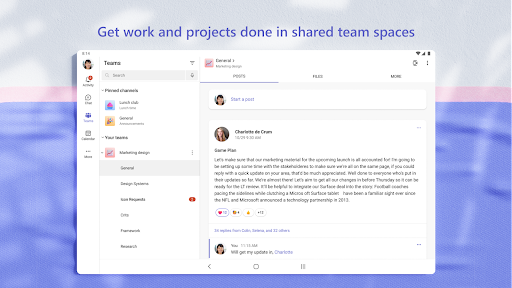
- File Collaboration: Store and edit documents in shared workspaces powered by OneDrive and SharePoint.
- Task Management: Organize workflows using integrated tools like Planner and To Do.
- Third-Party Integrations: Connect with apps such as Trello, GitHub, and Adobe Creative Cloud to enhance productivity.
Pros and Cons
Advantages
- Comprehensive integration with Microsoft 365 enhances document collaboration.
- Robust security features ensure data protection during communication.
- User-friendly interface supports both beginners and advanced users.
- Supports large teams with up to 1,000 participants per meeting.
Drawbacks
- Requires a stable internet connection for optimal performance.
- Free version has limited functionality compared to paid subscriptions.
- Some users may find the abundance of features overwhelming at first.
Conclusion
Microsoft Teams is an essential tool for modern workplaces, offering versatile features that cater to diverse team needs. Its combination of real-time communication, file sharing, and task management makes it ideal for boosting productivity. While there are minor limitations, its benefits far outweigh them, making it a top choice for businesses and educational institutions worldwide.


