
Skylight
About this app
Screenshots
Key Features
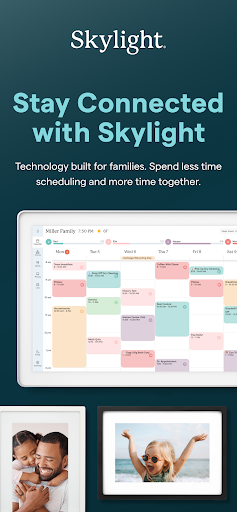
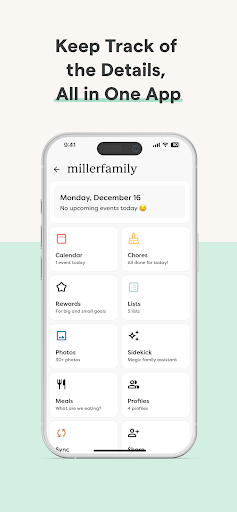
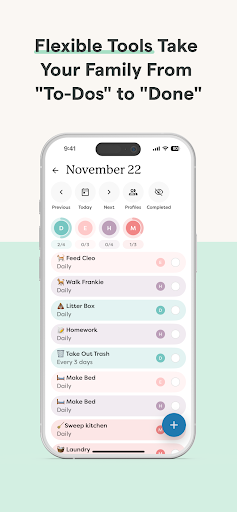
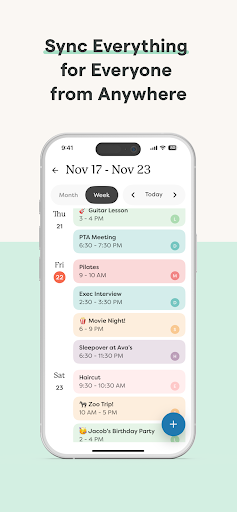
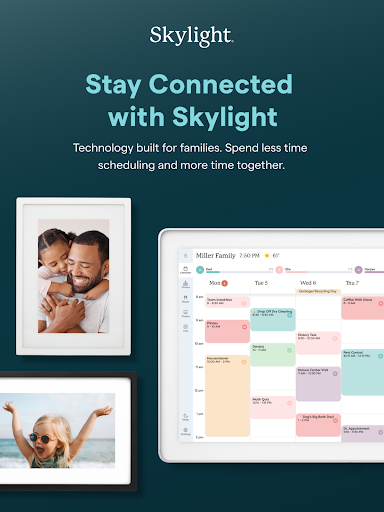
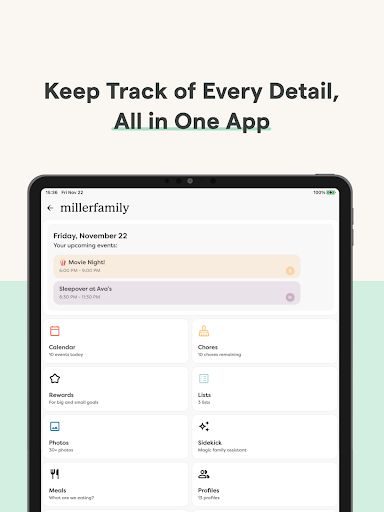
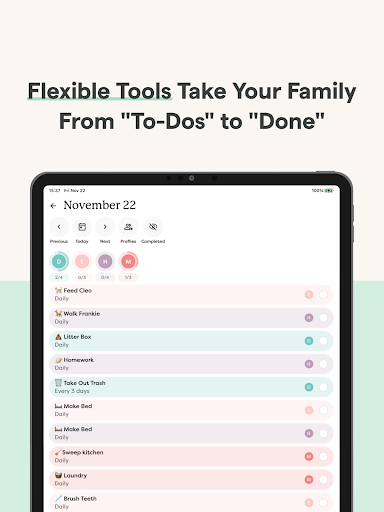
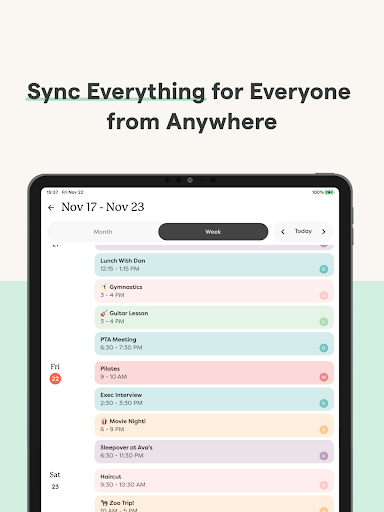
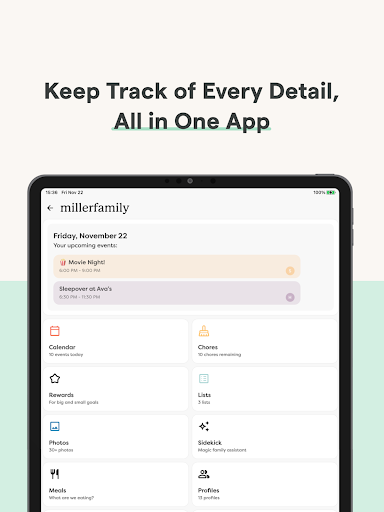
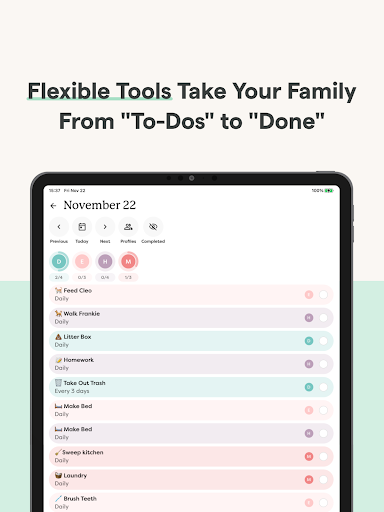
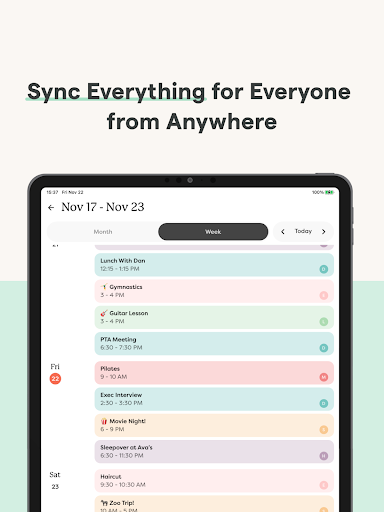
Skylight Calendar allows users to sync unlimited calendars, create events, and set recurring chores or routines. Families can share grocery lists, to-do lists, and even build a recipe book or meal plans with the PLUS subscription. Additionally, users can upload photos and videos to use as screensavers, enhancing the visual experience of the Skylight Frame.
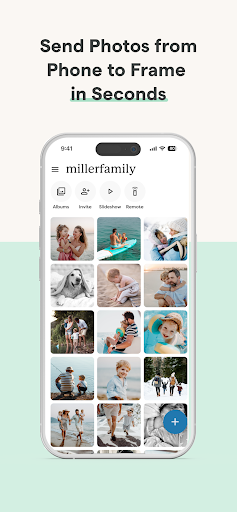
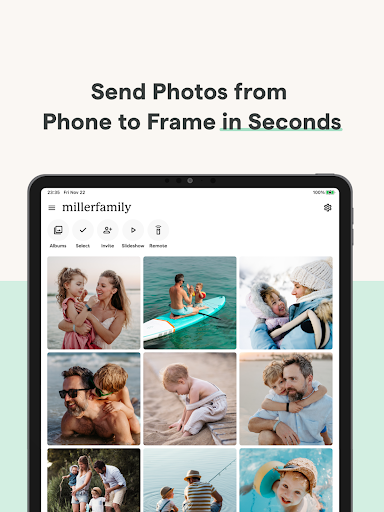
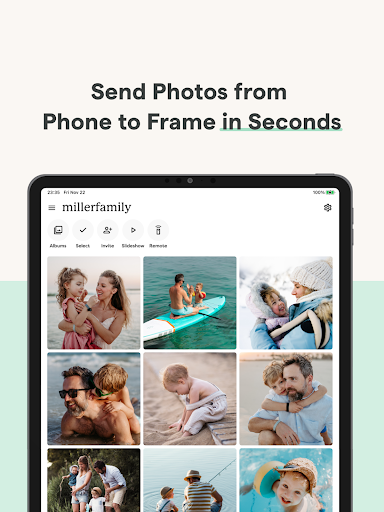
The Skylight Frame feature lets users easily add photos via the app or email, create unlimited albums with captions, and customize displays. With simple Wi-Fi setup, it’s easy to start using the frame right away. The PLUS subscription unlocks advanced features like auto-importing events, PDFs, and recipes.
Pros and Cons
Pros: Skylight is user-friendly, making it accessible for all age groups. Its seamless integration with calendars and task management tools helps families stay organized. The ability to upload photos directly via email is a standout feature, simplifying the process of sharing memories. The app also offers a free core functionality, allowing users to enjoy basic features without a subscription.
Cons: Some users may find the PLUS subscription necessary to access premium features, which could be a downside for those seeking a completely free experience. Additionally, while the app is intuitive, its reliance on an internet connection might limit functionality in areas with poor connectivity.
Conclusion
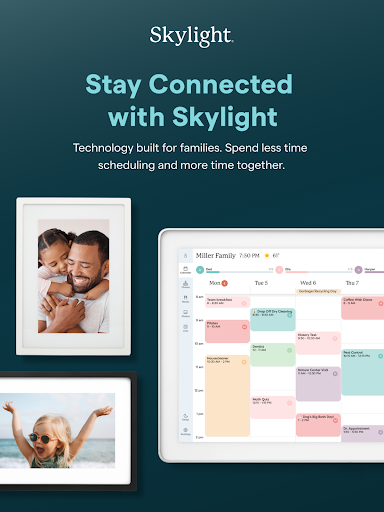
Skylight is an innovative solution for families looking to stay connected and organized. By combining practical tools with a focus on shared memories, it creates a unique blend of utility and sentimentality. Whether you’re managing daily tasks or displaying cherished photos, Skylight offers a versatile and engaging experience for all family members.


