
FlipaClip: Create 2D Animation
About this app
Screenshots











Application Overview
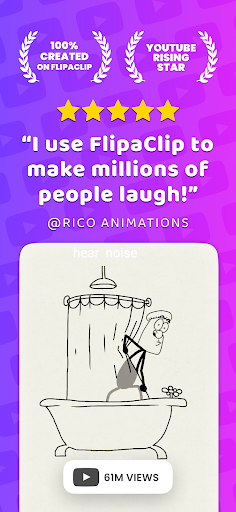
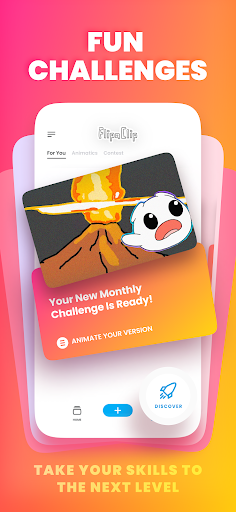
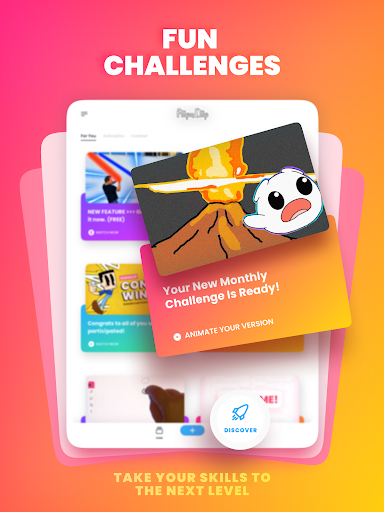
FlipaClip is tailored for both beginners and experienced animators who want to create frame-by-frame animations with ease. Its intuitive interface allows users to design characters, craft stories, and produce animations without needing advanced technical skills. The app supports various animation styles, including cartoons, anime, stick figures, and more, making it a flexible tool for creative expression.
Key Features
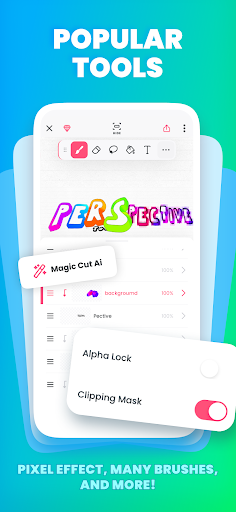
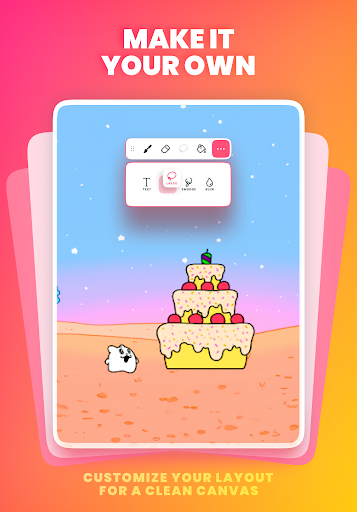
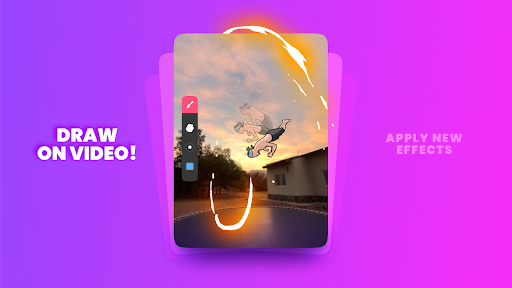
- Art Tools: FlipaClip provides a variety of brushes, lasso tools, fill options, erasers, and rulers. Users can also add text and experiment with effects like glow and blur.
- Layer Support: With up to 10 layers available in the premium version, animators can manage complex scenes by separating elements like backgrounds, characters, and effects.
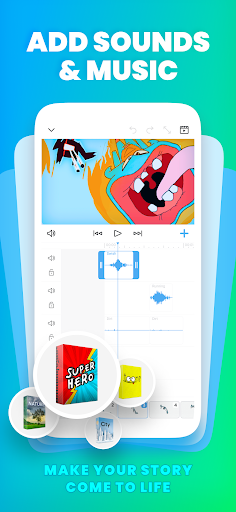
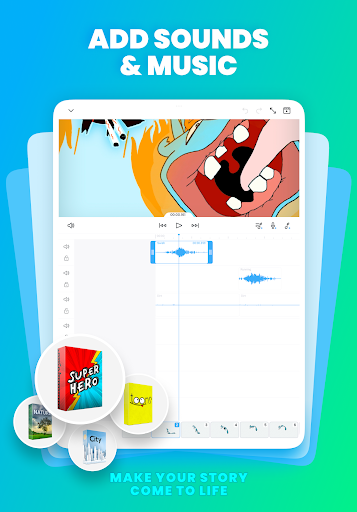
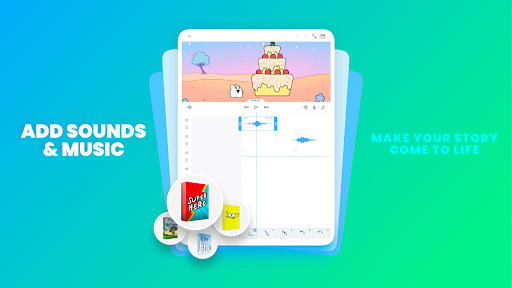
- Audio Integration: Add soundtracks, voiceovers, and sound effects to enhance your animations. The app supports up to six audio tracks for rich multimedia content.
- Onion Skin and Timeline: These features allow precise control over frame transitions, ensuring smooth and polished animations.
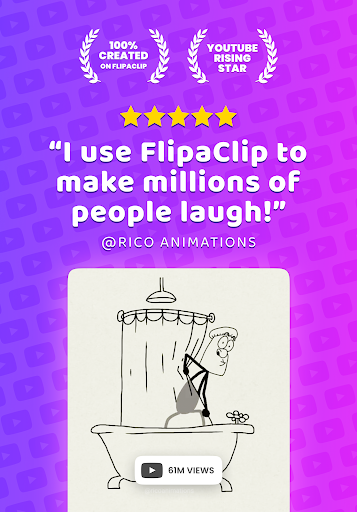
- Export Options: Animations can be exported in MP4 or GIF formats, making them easy to share on social media platforms like YouTube and TikTok.
Pros and Cons
Pros:
- User-friendly interface suitable for beginners.
- Powerful tools for professional-level animations.
- Portable and accessible on mobile devices.
- Frequent updates with new features and improvements.
Cons:
- Some advanced features are locked behind a paywall.
- Performance issues may occur when using too many layers.
Conclusion
FlipaClip: Create 2D Animation is an excellent choice for anyone interested in animation. Its combination of simplicity and functionality makes it ideal for creating engaging animations on the go. While there are minor limitations, the app's strengths far outweigh its drawbacks, offering a rewarding experience for creators of all skill levels.


