
Easy Homescreen
Personalization
About this app
Name
Easy Homescreen
Category
Personalization
Price
Free
Safety
100% Safe
Developer
Homescreen Apps
Download
10M+
Screenshots




Application Overview
Easy Homescreen replaces the default Android interface with a clean, minimalist design. It focuses on enhancing usability by offering larger text, simplified controls, and an elegant aesthetic. This app is perfect for individuals who seek a clutter-free smartphone experience or need accessibility features due to vision or dexterity challenges.
Key Features
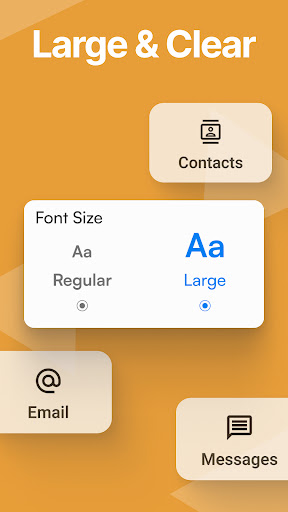
- Larger Text and Buttons: The home screen displays bigger fonts and buttons, ensuring effortless navigation and readability.
- Simplified Menus: Instead of overwhelming icon grids, Easy Homescreen uses text labels for apps and shortcuts, streamlining access to essential functions.
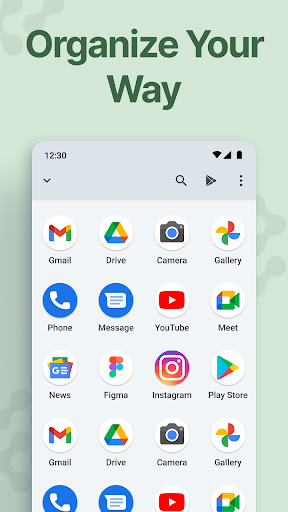
- Customizable Layout: Users can personalize their home screens by selecting which apps and tools appear prominently.
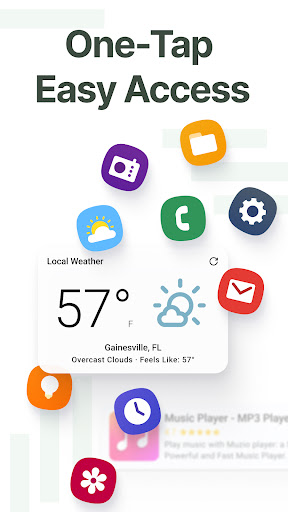
- Quick Access Tools: The app integrates practical features like weather updates and favorite contacts, allowing users to stay productive without unnecessary complexity.
- Minimalist Design: With its focus on simplicity, the app reduces distractions and promotes a serene digital environment.
Pros and Cons
Advantages
- Ideal for seniors or those with visual impairments due to its large text and button design.
- Reduces phone-induced stress by decluttering the interface.
- Lightweight and easy to set up, even for non-tech-savvy users.
Disadvantages
- May lack advanced customization options for power users accustomed to feature-rich launchers.
- Some users might find the minimalist approach too restrictive if they prefer vibrant themes or intricate designs.
Easy Homescreen strikes a balance between functionality and simplicity, catering to users who value ease of use over complexity. Whether you're looking to simplify your device or create a calming digital space, this app delivers a refreshing take on Android customization.


