
CapCut - Video Editor
About this app
Screenshots




Application Overview
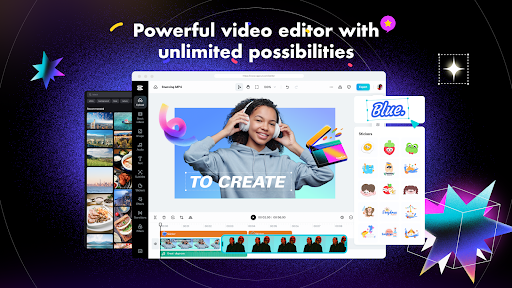
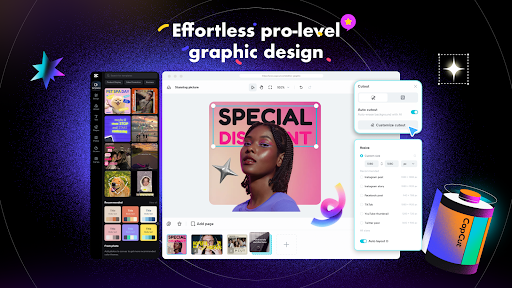
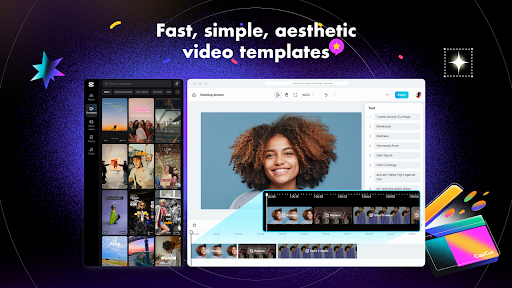
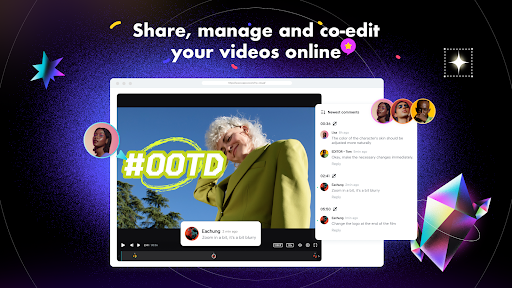
CapCut is a comprehensive video editing tool that allows users to create high-quality videos with ease. Whether you're editing for social media platforms like TikTok, Instagram, or YouTube, CapCut provides all the necessary tools to bring your creative ideas to life. Its sleek design ensures a smooth user experience while offering advanced functionalities.
Main Features
- Basic Editing Tools: Trim, split, merge, and adjust video speed with precision. CapCut supports speeds from 0.1x to 100x, enabling dynamic effects.
- Advanced Effects: Add transitions, filters, and overlays to enhance visual appeal. The app also includes keyframe animations and chroma key (green screen) features.
- Text and Stickers: Customize videos with unique fonts, text templates, and stickers. Auto captions make it easy to add subtitles.
- Audio Enhancements: Access a vast library of royalty-free music and sound effects. CapCut also offers voice-to-text functionality in multiple languages.
- AI-Powered Tools: Utilize features like background removal, motion tracking, and automatic color correction to streamline the editing process.
Pros and Cons
Advantages
- User-friendly interface suitable for all skill levels.
- Extensive range of free features and effects.
- Frequent updates with new content and improvements.
- High-quality export options up to 4K resolution.
Disadvantages
- Some advanced features are locked behind the CapCut Pro subscription.
- Occasional lag may occur on lower-end devices during complex edits.
In conclusion, CapCut - Video Editor stands out as a top choice for mobile video editing due to its robust feature set and accessibility. While premium features require a subscription, the free version still offers plenty of tools to create professional-grade videos. With its combination of simplicity and power, CapCut is an excellent option for anyone looking to elevate their video content.


