
The Roku App (Official)
About this app
Screenshots

Application Overview
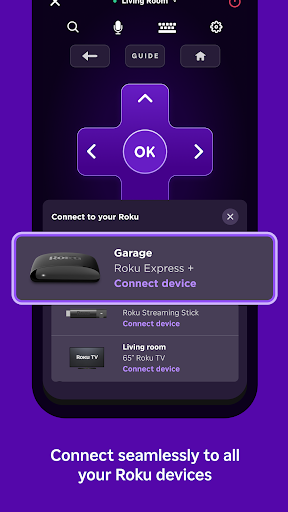
The Roku App serves as an all-in-one solution for managing your Roku device directly from your phone. Available on the Google Play Store, it is compatible with both Android and iOS devices, making it accessible to a wide range of users. The app connects effortlessly to your Roku device over the same Wi-Fi network, eliminating the need for additional hardware or complicated setups.
Key Features
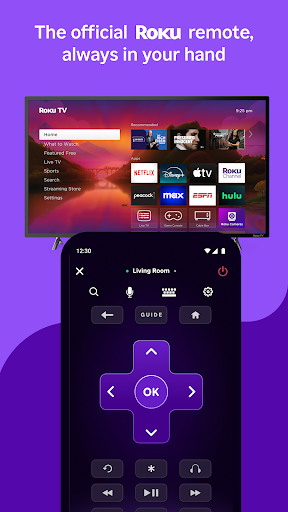
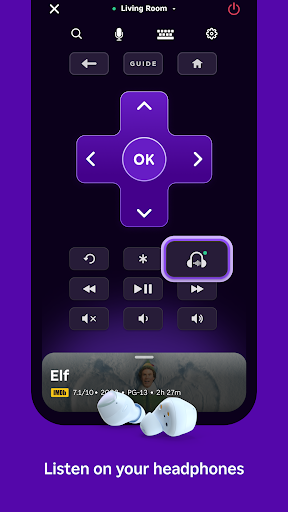
- Remote Control: The app provides all the buttons you’d find on a physical Roku remote, including navigation, playback controls, and volume adjustments.
- Keyboard Input: Typing searches or passwords is made easier with the virtual keyboard, saving time compared to using the on-screen interface.
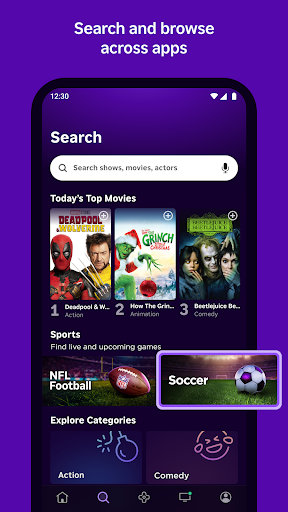
- Voice Search: Use voice commands to search for movies, shows, or channels quickly and efficiently.
- Private Listening: Stream audio directly to your phone or headphones, perfect for late-night viewing without disturbing others.
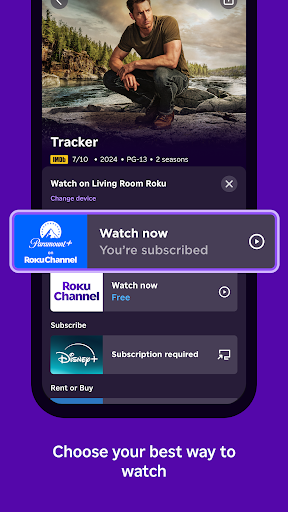
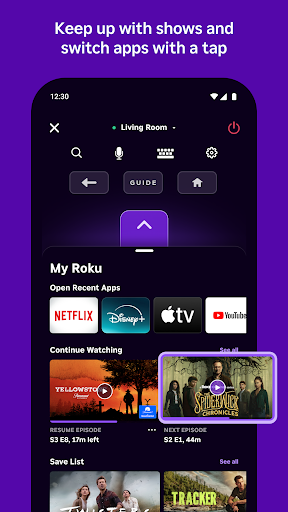
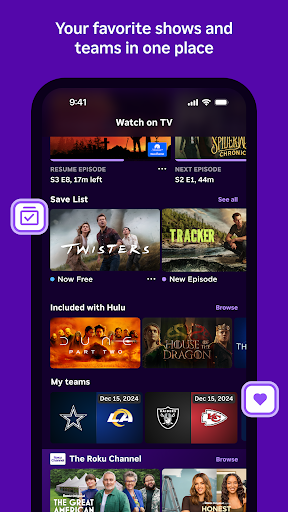
- Channel Management: Browse, add, and launch your favorite streaming services like Netflix, Hulu, and Disney+ with just a few taps.
Pros and Cons
Pros:
- User-friendly interface makes navigation intuitive and straightforward.
- Eliminates the hassle of misplacing your physical remote.
- Enhanced functionality, such as private listening and voice search, adds value beyond traditional remotes.
Cons:
- Requires both the phone and Roku device to be on the same Wi-Fi network, which may limit usability in some cases.
- Voice search accuracy can vary depending on pronunciation and background noise.
Conclusion
The Roku App (Official) is a must-have for Roku users seeking convenience and advanced features. By combining the functionality of a remote control with modern tools like voice search and private listening, it enhances the overall streaming experience. While minor limitations exist, its benefits far outweigh them, making it an essential companion for your Roku device.


