
Samsung Smart Switch Mobile
Tools
About this app
Name
Samsung Smart Switch Mobile
Category
Tools
Price
Free
Safety
100% Safe
Developer
Samsung Electronics Co., Ltd.
Download
1B+
Screenshots
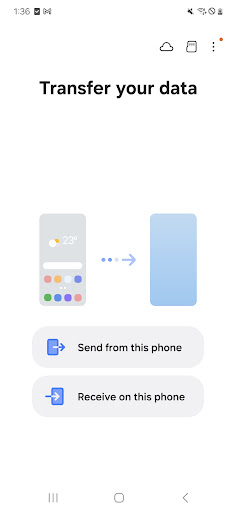
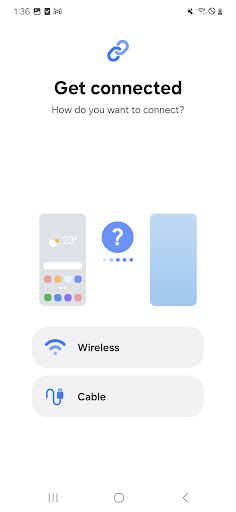
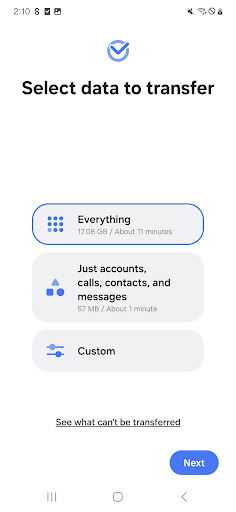
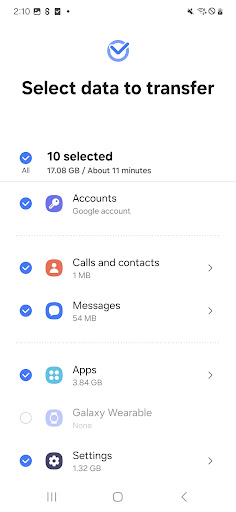
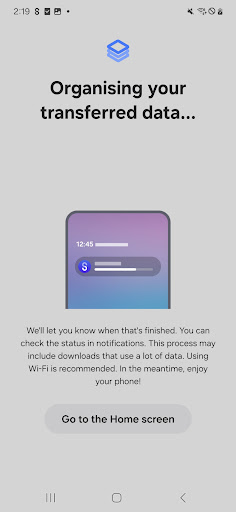
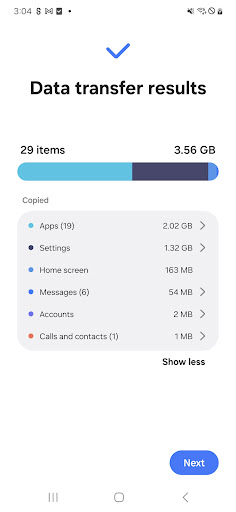
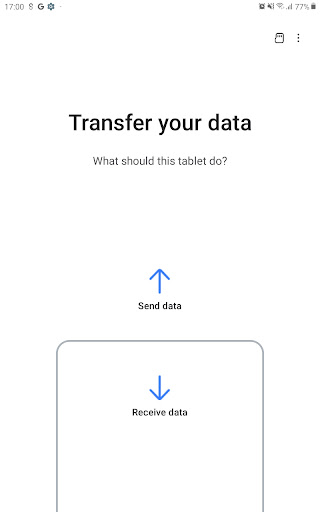
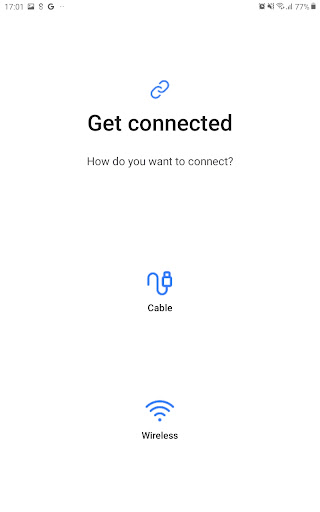
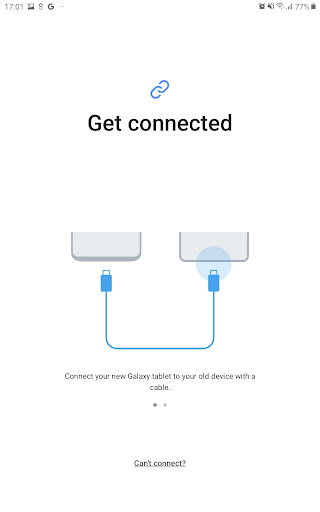
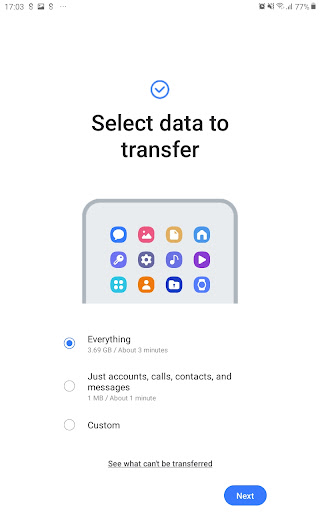
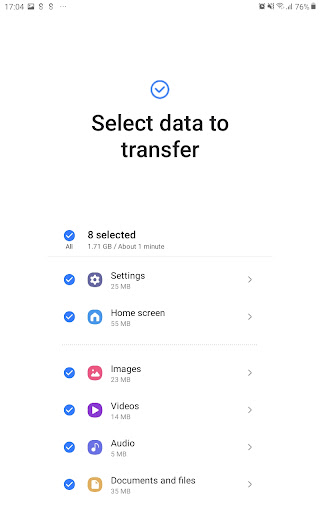
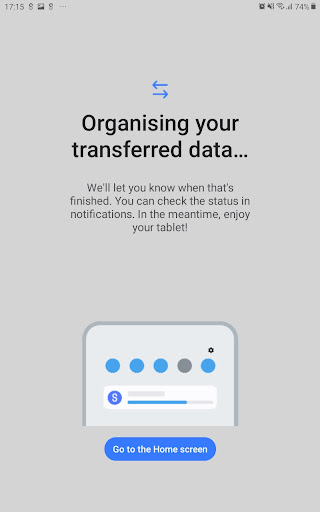
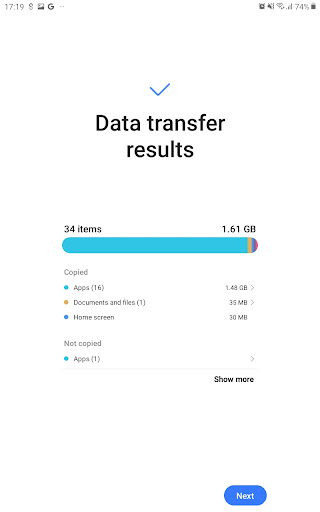
Application Overview
Samsung Smart Switch Mobile is a free app designed to assist users in transferring data from their previous smartphones to Samsung Galaxy devices. Whether you're moving from an Android, iOS, BlackBerry, or Windows Phone, this app ensures a smooth transition with minimal effort.
Key Features
The app offers a wide range of features that make it versatile and user-friendly:
- Wide Compatibility: Supports data transfers from various platforms, including Android, iOS, BlackBerry, and Windows Phone.
- Multiple Transfer Methods: Users can choose between wireless device-to-device transfers, wired connections, iCloud imports, or iTunes-based PC/Mac transfers.
- Comprehensive Data Coverage: Transfers contacts, calendars, messages, photos, music, videos, call logs, notes, alarms, Wi-Fi settings, wallpapers, documents, app data, and even home screen layouts.
- Special Functionality: Allows users to upgrade their Galaxy devices to M OS versions while preserving app data and layouts.
- Full Storage Scanning: Ensures all content from internal storage and SD cards is transferred without missing anything.
Pros and Cons
Advantages:
- Supports multiple platforms and devices, ensuring broad usability.
- Easy-to-follow interface for hassle-free transfers.
- Offers both wireless and wired transfer options for convenience.
- Handles a wide variety of file types and settings.
Disadvantages:
- Some features may require additional setup, such as turning off two-step verification for iCloud.
- Large data transfers can take time, depending on the connection method and file size.
- Occasionally, users may encounter compatibility issues with older devices.
Conclusion
Samsung Smart Switch Mobile is a powerful and reliable tool for anyone upgrading to a Samsung Galaxy device. Its extensive compatibility, robust feature set, and ease of use make it stand out among data transfer apps. While there are minor drawbacks, its benefits far outweigh them, making it a must-have app for seamless device transitions.


