
PDF Reader - PDF Viewer
Productivity
About this app
Name
PDF Reader - PDF Viewer
Category
Productivity
Price
Free
Safety
100% Safe
Developer
QR Code Scanner.
Download
100M+
Screenshots








Application Overview
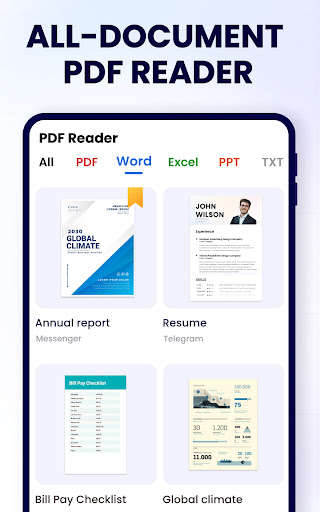
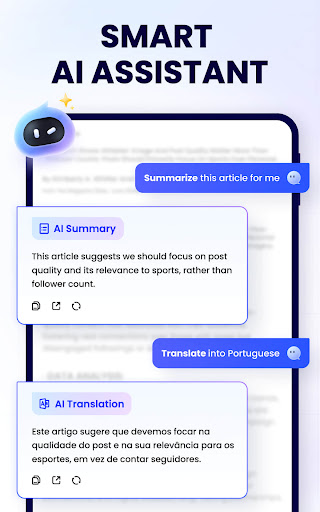
PDF Reader - PDF Viewer is a free app available on the Google Play Store, tailored for individuals seeking an all-in-one solution for handling PDF files. With its sleek design and intuitive interface, the app ensures a seamless experience for users of all skill levels.
Key Features
The app boasts a wide range of features that cater to various needs:
- PDF Viewing: Open and read PDF files with ease, thanks to smooth navigation and customizable viewing modes.
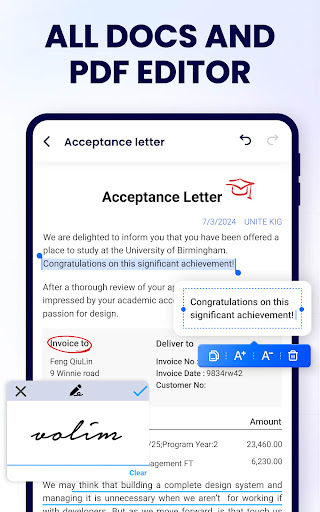
- Annotation Tools: Highlight text, add notes, draw shapes, and insert stamps to make your documents more interactive.
- Editing Capabilities: Modify text, images, and pages within PDFs, or merge and split documents as needed.
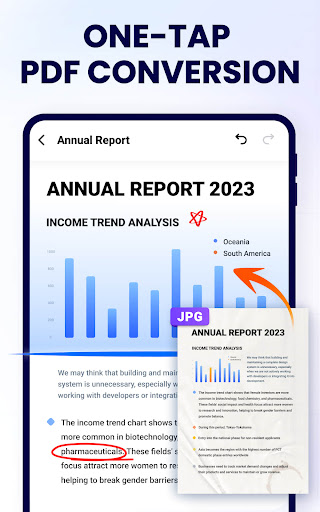
- File Conversion: Convert PDFs to other formats like Word, Excel, or images, and vice versa, without compromising quality.
- Cloud Integration: Access files from cloud storage services such as Google Drive, Dropbox, and OneDrive for added convenience.
- Security Features: Protect your documents with password encryption and digital signatures to ensure privacy.
Pros and Cons
Pros:
- User-friendly interface suitable for beginners and professionals alike.
- Comprehensive feature set covering viewing, editing, and security needs.
- Free version offers robust functionality without hidden costs.
- Regular updates ensure compatibility with the latest Android versions.
Cons:
- Some advanced features are locked behind a premium subscription.
- Advertisements may appear in the free version, potentially disrupting the user experience.
- Large files may take longer to load on lower-end devices.
Conclusion
PDF Reader - PDF Viewer stands out as a reliable tool for managing PDF files on Android devices. Its combination of essential features, ease of use, and regular updates makes it a valuable asset for anyone dealing with PDFs regularly. While the free version provides ample functionality, users seeking advanced capabilities may consider upgrading to the premium version for an enhanced experience.


